AirPrint
Just print it yourself
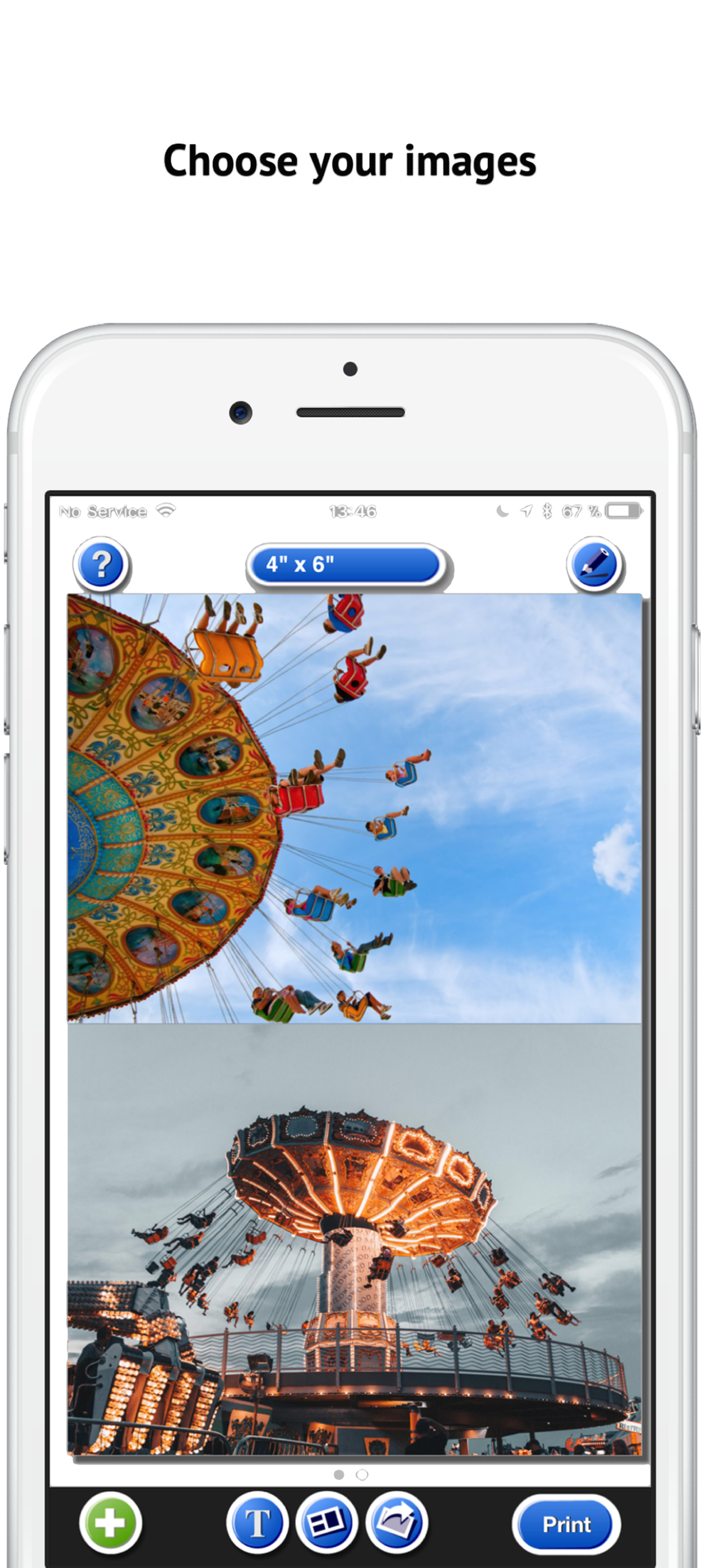
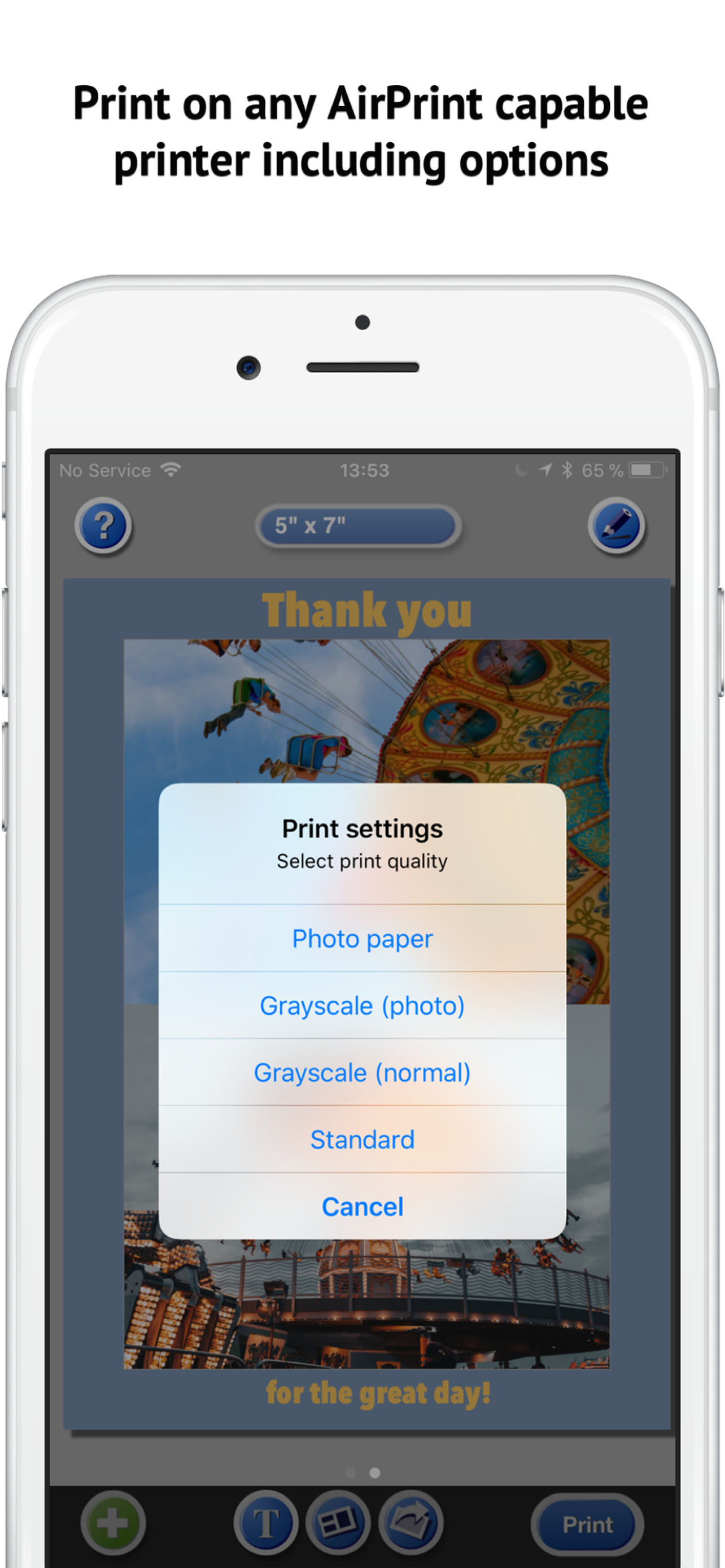
Print photos from your photo library on any AirPrint-enabled printer in the size of your choice.

limited-time special offer
Use your own printer to create stunning photo prints right from your iPhone or iPad.
Available for iPhone and iPad.

Just print it yourself
Print photos from your photo library on any AirPrint-enabled printer in the size of your choice.
Colored Backgrounds
Choose a print size larger than the photo size and color in the background.
Layouts
Print 2, 3, 4, 6, or 9 photos on a single sheet of paper.
Stylish Lettering
Print a different text label on each sheet.
Take control
With PhotoPrint Pro and PhotoPrint LT, you can decide how many photos to print and in what size. Save on printing time, ink, and paper.
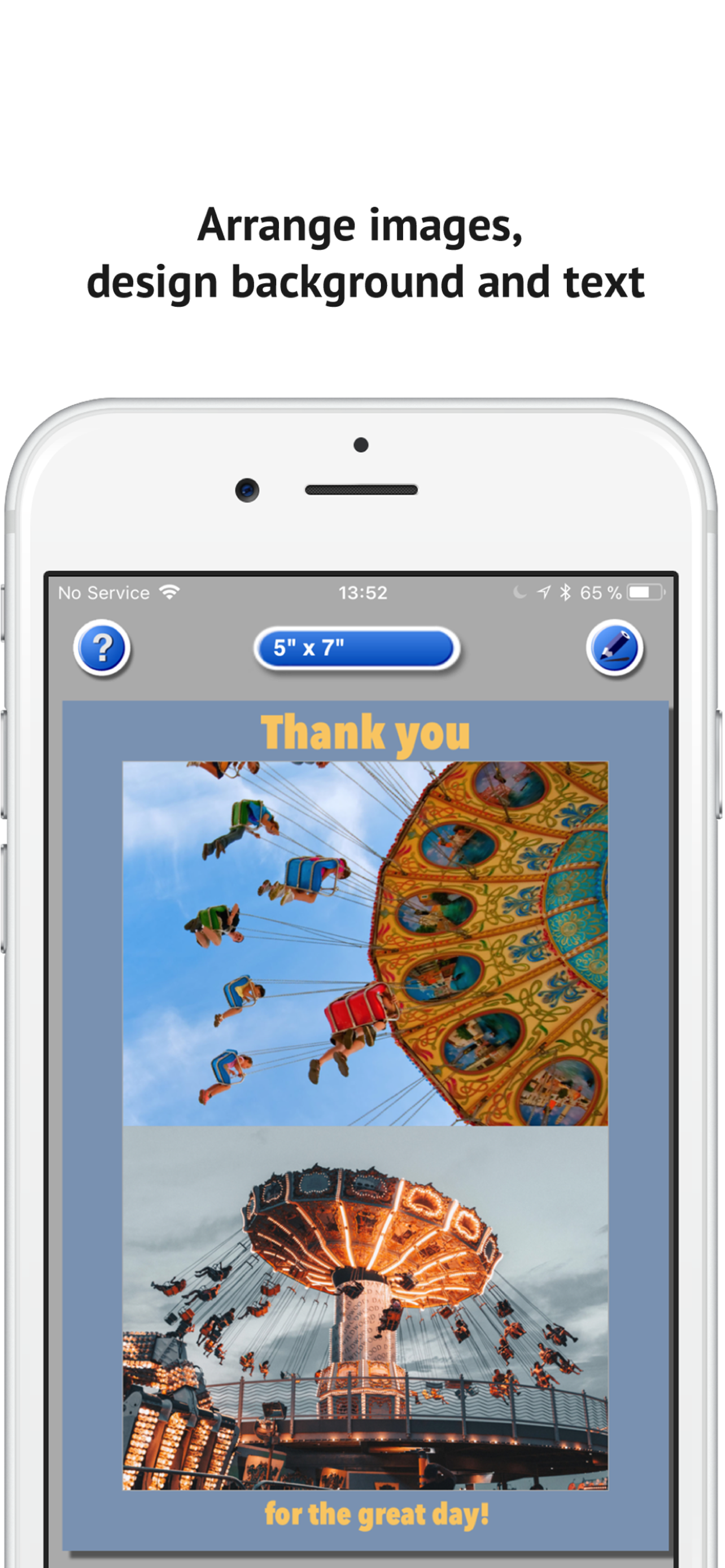
Are you on a business trip, invited to dinner, and took a nice photo that you'd like to use as a thank-you card? Did you just take a cute snapshot of your kids and want to send it as a postcard to your grandma? With the PhotoPrint app, you can print photos wirelessly directly from your iPhone or iPad to any AirPrint-enabled printer on your Wi-Fi network. With just a few taps, you can create a postcard ready to send. Create an A4 collage with two, three, or four of your favorite photos. PhotoPrint effortlessly rotates, scales, and crops images for you.
Features
Supports English, German, Japanese, and Spanish.
PhotoPrint LT is the free starter version—try out all its features at your leisure. PhotoPrint Pro includes the full range of features right from the start.
| PhotoPrint LT | PhotoPrint Pro | |
|---|---|---|
| Price | Free, with in-app purchases available | €5.99 one-time payment, all-inclusive |
| Photos per page | 1 or 2 — more via in-app purchase | 1, 2, 3, 4, 6, 8, or 9 |
| Pages per print job | Up to 3 | Unlimited |
| All photo and paper sizes | ✓ | ✓ |
| Text labels per page | 1 | Up to 10 |
| Text, emojis, over 25 fonts | ✓ | ✓ |
| Scale, Rotate, Select a Section | ✓ | ✓ |
| Fill the background with a single color | ✓ | ✓ |
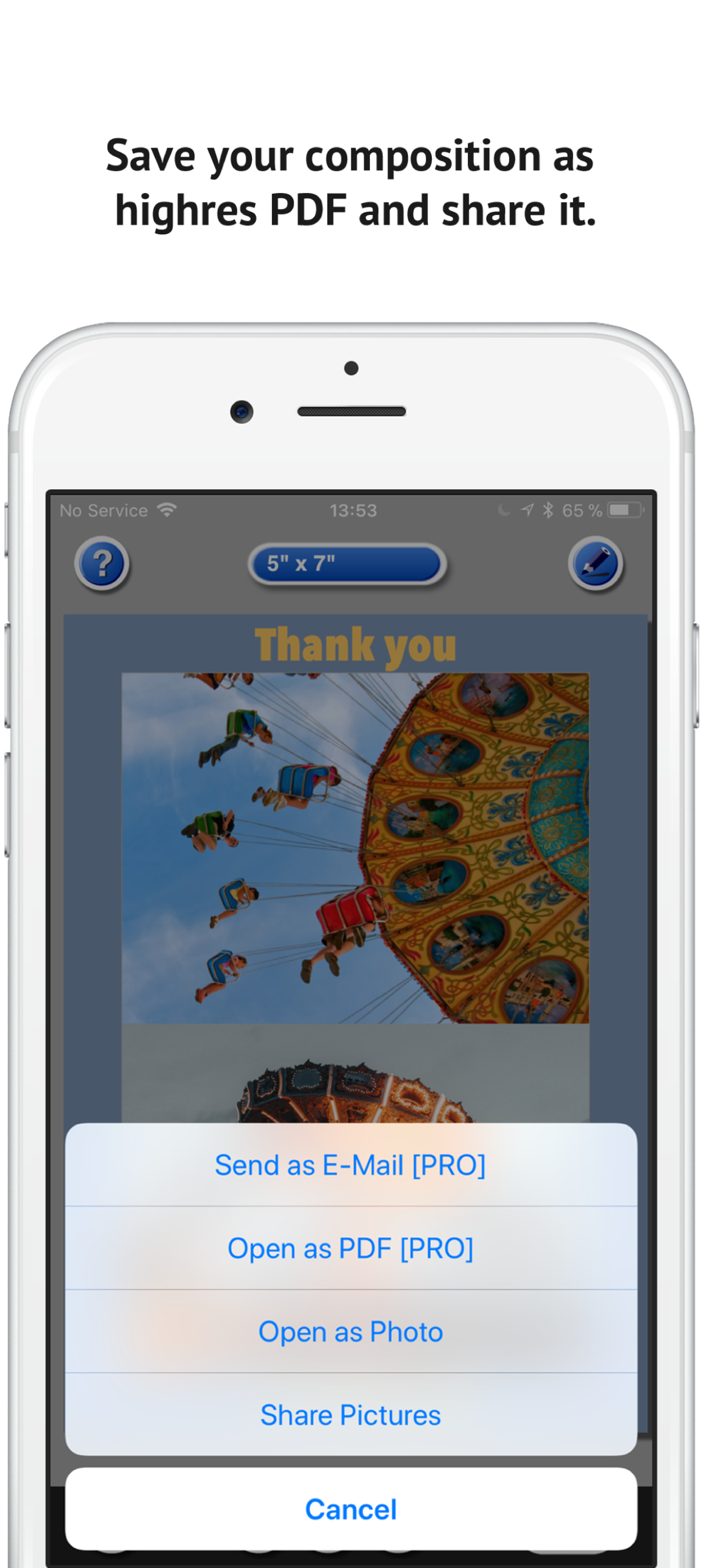
| Save as a PDF or share via email | ✓ | ✓ |
| Photo Paper and Plain Paper Mode, Black and White | ✓ | ✓ |
Both apps require iOS 15.1 or later and an AirPrint-compatible printer.


Designed for Printing